
Table of Contents
Quick answer
The best free AI tools for Etsy sellers in 2026 fall into five workflow categories. For keyword research, eRank and Alura offer genuinely usable free plans. For listing copy, ChatGPT’s free tier writes titles, descriptions, and tags in minutes. For product photos, PhotoRoom and remove.bg handle background removal at no cost, though with some limits.
For mockups, Canva and Mockey AI turn a flat design into a sellable listing image. And for buyer messages, tools like ReplyDesk draft replies you review and send yourself, since Etsy doesn’t allow fully automated auto-send. None of these free plans will run a 500-listing shop on their own, but together they cover the entire Etsy workflow, research, writing, photos, and support, without a subscription.
Free AI Tools for Etsy Sellers at a Glance
| Tool | Category | Free Plan Limit | Best For |
|---|---|---|---|
| eRank | Keyword research / SEO | 5 keyword lookups/day, no competitor tracking | Etsy-specific search data |
| Alura | Keyword research / SEO | 5 searches/day per tool, 10 listing optimizations | All-in-one starter toolkit |
| EverBee | Product research | Genuinely free Chrome extension, capped daily searches | Deciding what to make next |
| EtsyHunt | Competitor research | Limited daily searches and lookups | Trend and competitor spotting |
| ChatGPT | Listing writing | Rolling message limit, resets every few hours | Titles, descriptions, tags |
| PhotoRoom | Product photography | Free, watermark on exports | Studio-style product shots |
| Remove.bg | Product photography | Free, low-resolution preview only | Checking cutout accuracy |
| Canva | Mockups and graphics | Limited monthly AI credits | Sellers already designing in Canva |
| Mockey AI | Mockups | Free, capped around 72 DPI | Fast mockup prototyping |
| ReplyDesk | Customer messages | Free for 1 agent, 2 channel integrations | Drafting buyer replies |
Why Etsy Sellers Are Leaning on Free AI Tools Right Now
Etsy crossed 8 million active sellers in early 2026. That’s a lot of shops chasing the same buyers, and Etsy’s search algorithm has only gotten stricter about rewarding complete, keyword-rich listings over thin ones.
Writing 50 listings by hand, title, description, and 13 tags each, can easily eat 15 to 20 hours a week. Free AI tools for Etsy sellers won’t replace good product photography or a solid niche, but they cut the busywork down to a few hours, which is where most sellers actually lose their time.
The catch is that “free” almost always means a capped version of a paid product. You’ll run into daily search limits, monthly credit caps, or resolution restrictions. Knowing where those limits sit, and which tool to reach for at each stage, is what separates a seller who saves real hours from one who bounces between five half-used apps.
Etsy’s Own Built-In Free AI Tools
Before you add a single third-party app, it’s worth checking what’s already sitting inside your Shop Manager. Etsy has been rolling out native AI features directly in the seller dashboard, free for every seller, with no extension or account elsewhere required.
- Listing title tool: Found in the Search Visibility dashboard, it suggests search-optimized, buyer-friendly titles, with bulk editing and real-time feedback as you revise.
- Reply-writing assistant: Drafts personalized replies to buyer messages using your shop’s own details. It began rolling out to a small group of English-speaking US sellers, with wider access planned.
These built-in tools won’t match the depth of a dedicated SEO tool like eRank, but they cost nothing and require zero setup. Etsy has also been folding AI into its community hub search and personalized buyer emails, so expect more native free AI tools for Etsy sellers to show up inside the dashboard itself over time.
What Etsy’s AI Disclosure Policy Means Before You Start
Before using any tool on this list, it’s worth understanding the rules you’re working within. Etsy’s Seller Policy, updated in January 2026, requires disclosure whenever generative AI meaningfully shapes a listing’s text, image, or design.
In practice, that means:
- If AI wrote or substantially edited your description, say so in the listing.
- If AI generated or heavily modified a product image, not just a light background swap, the listing needs an AI disclosure, and under Etsy’s Creativity Standards, your production field should read “Designed by a seller” rather than “Made by a seller.”
- There’s no exemption for “a small amount of AI” or “AI-assisted editing only.” Etsy’s guidance leans toward over-disclosure rather than under-disclosure.
- Listings that skip disclosure risk reduced search visibility or removal. Etsy’s enforcement data through early 2026 showed print-on-demand and digital-download sellers were flagged most often.
For a full walkthrough of the wording Etsy expects and where it goes in your listing, see our guide to Etsy’s AI disclosure policy. None of this means avoiding AI tools. It means building a one-line disclosure habit into your listing template, the same way you already note materials or processing time.
Best Free AI Tools for Etsy Listing Titles and Descriptions
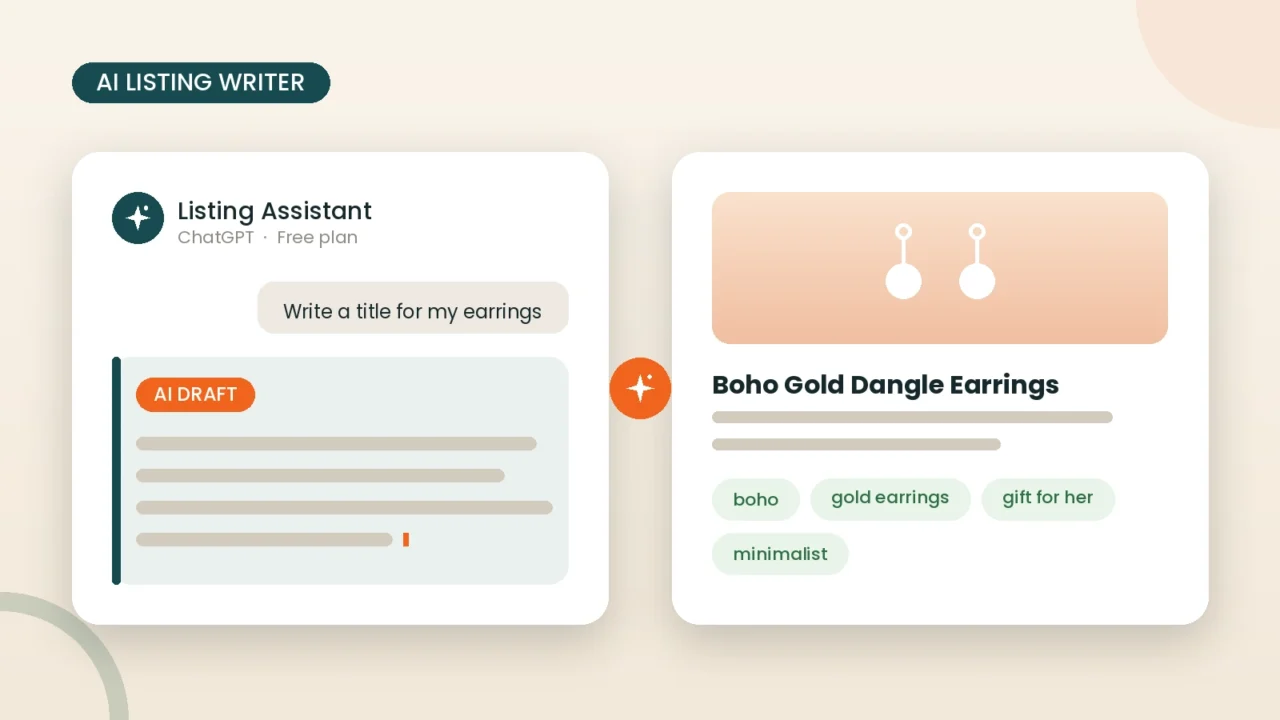
Writing is the biggest time sink for most sellers, and it’s where free AI tools for Etsy sellers pay off fastest.
ChatGPT (Free Plan)
ChatGPT’s free tier is the tool most sellers reach for first, and it holds up well for this specific job. Free accounts do run into a rolling message limit if you draft a lot of listings back to back, but for most sellers writing a handful of listings in one sitting, you won’t feel it.
The trick is feeding it the right inputs: your product details plus three to five keywords pulled from a free keyword tool (more on those below), then asking for a title under 140 characters, a short description, and a set of tag ideas.
Pros
- Free, and the message limit resets every few hours rather than daily
- Handles multiple listings back to back
- Adjusts tone easily when you specify it (playful, minimalist, cozy, rustic)
Cons
- Doesn’t know actual Etsy search volume, so it needs a keyword tool alongside it
- Default output reads generic until you edit it into your shop’s voice
- Needs a disclosure line if it wrote a meaningful share of the final copy
For a deeper breakdown of prompting and editing AI-written listings so they don’t sound templated, see our guide to the best AI product description writer for Etsy sellers.
eRank’s AI Listing Helper (Free Plan)
eRank’s free account includes limited daily access to an AI Listing Helper built specifically around Etsy’s title and tag structure. It’s less flexible than ChatGPT, but because it’s purpose-built for Etsy, it’s a fast way to sanity-check a listing you’ve already drafted elsewhere.
Creative Fabrica’s Free Etsy Title Generator
Creative Fabrica offers a free, Etsy-specific title and listing generator trained on the platform’s listing format. It’s not a full writing workflow, but it’s handy for quick title variations without opening a separate AI chat tab.
Best Free AI Tools for Etsy SEO and Keyword Research
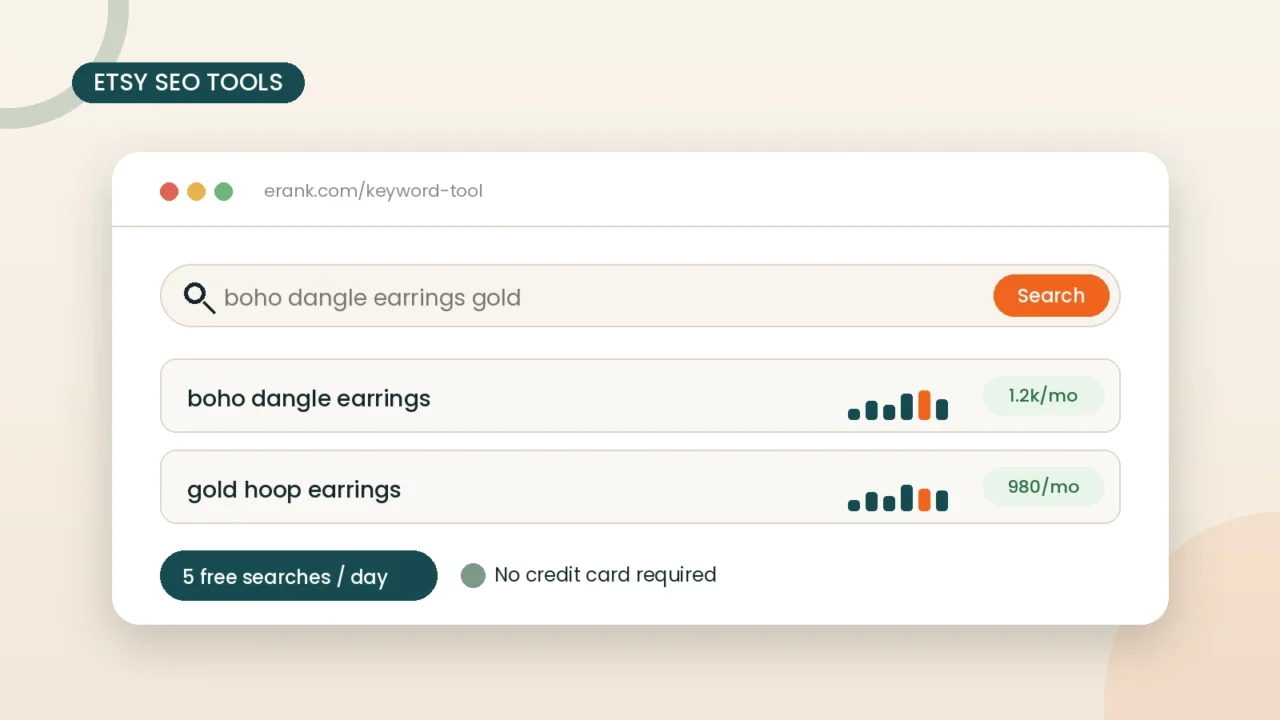
Good copy means nothing if it targets the wrong terms. These are the free AI tools for Etsy sellers doing keyword and listing research.
eRank Free Plan
eRank is the most widely used Etsy SEO tool, and its free plan is genuinely functional rather than a stripped-down teaser. On the free tier you get:
- 5 keyword lookups per day
- A listing audit that flags missing tags, short titles, and incomplete descriptions
- One AI Listing Helper use every 24 hours
Pros
- Etsy-specific search data, not generic Google volume
- The listing audit alone catches mistakes that quietly suppress ranking
- No credit card required to start
Cons
- No competitor tracking at all on the free plan
- The letter-grade scoring (A to F) is inconsistent; some strong listings score a D
- 5 lookups a day feels tight once you’re actively building out a catalog
Alura Free Plan
Alura bundles keyword research, product research, and shop research into one dashboard, each capped at 5 searches a day on the free plan, plus 10 listing optimizations and Chrome extension access. It’s a reasonable all-in-one starting point, though its sales estimates are generally considered less reliable than eRank’s or EverBee’s.
EverBee Free (Hobby) Plan
EverBee’s free Hobby plan stands out for product research. It’s a genuinely free Chrome extension, not a time-limited trial, and it overlays estimated sales, revenue, and keyword data directly on Etsy’s own search results. Full AI listing-writing features sit behind the paid Growth plan, but the free research layer alone is worth installing before you decide what to make next.
EtsyHunt Free Plan
EtsyHunt’s free plan gives you limited daily searches for keyword and competitor research, along with a Chrome extension that shows data right on Etsy’s search pages. It’s a useful second opinion alongside eRank, especially for spotting trending products early.
For a full comparison of paid tiers once you outgrow these limits, our guide to the best AI SEO tools for Etsy sellers breaks down what each upgrade actually unlocks.
Best Free AI Tools for Etsy Product Photos
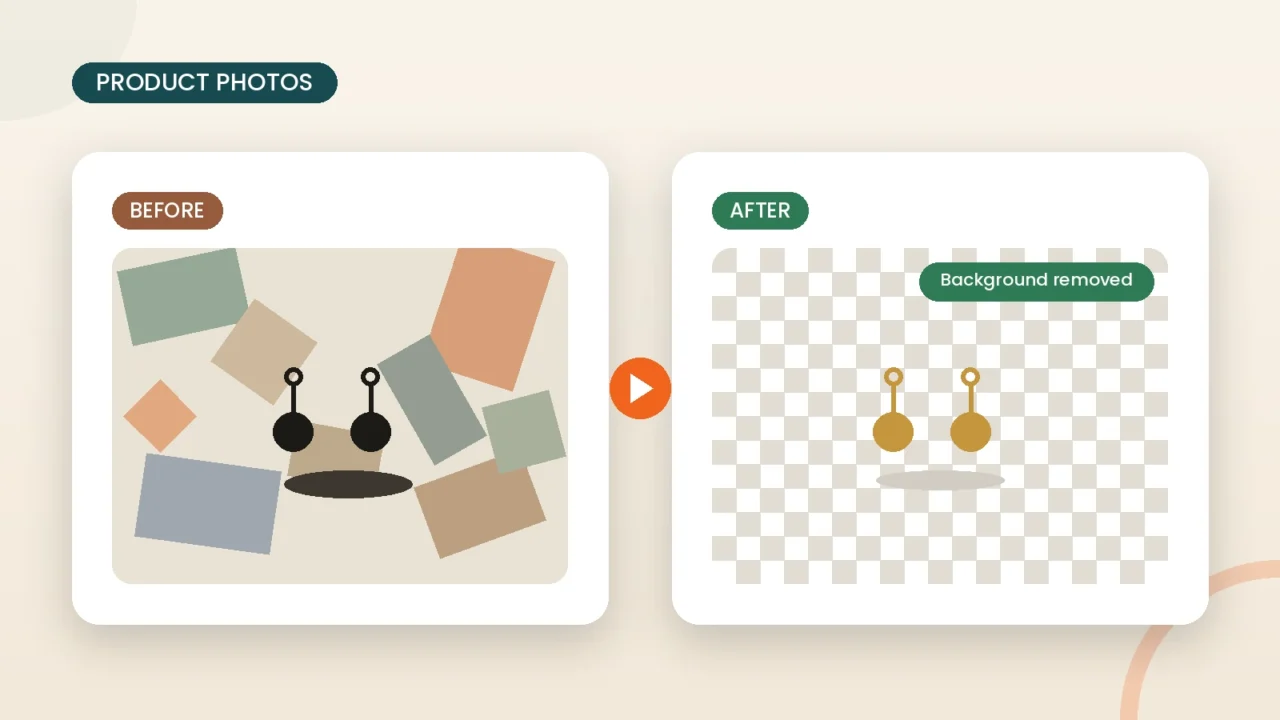
Photography sells the click before your description ever gets read. These free AI tools handle background removal and photo cleanup without a studio.
PhotoRoom
PhotoRoom is built specifically for product photography: it removes the background and replaces it with a clean studio scene or lifestyle backdrop in one pass. The free plan works well for testing, but exports carry a watermark, and batch processing across a whole catalog is a paid feature.
Remove.bg
Remove.bg consistently tests as one of the most accurate background removers for tricky edges like hair, fur, and semi-transparent packaging. The tradeoff is resolution: free exports are capped around 0.25 megapixels, fine for a quick preview but too soft for Etsy’s zoom feature. Use it to check whether a cutout looks clean before deciding if a paid export is worth it.
Canva Background Remover (Free Plan)
Canva’s free plan includes a limited number of AI credits each month, shared across Magic Write, background removal, and its other Magic Studio tools. It’s convenient if you’re already designing your listing graphics in Canva, but the credit cap means it’s not built for processing a full catalog of photos in one sitting.
Quick comparison
| Tool | Free output quality | Watermark | Best for |
|---|---|---|---|
| PhotoRoom | Standard resolution | Yes, on free exports | Studio-style product shots |
| Remove.bg | Low-res preview only | No | Checking edge accuracy first |
| Canva | Credit-limited | No | Sellers already designing in Canva |
Best Free AI Tools for Etsy Mockups and Listing Images
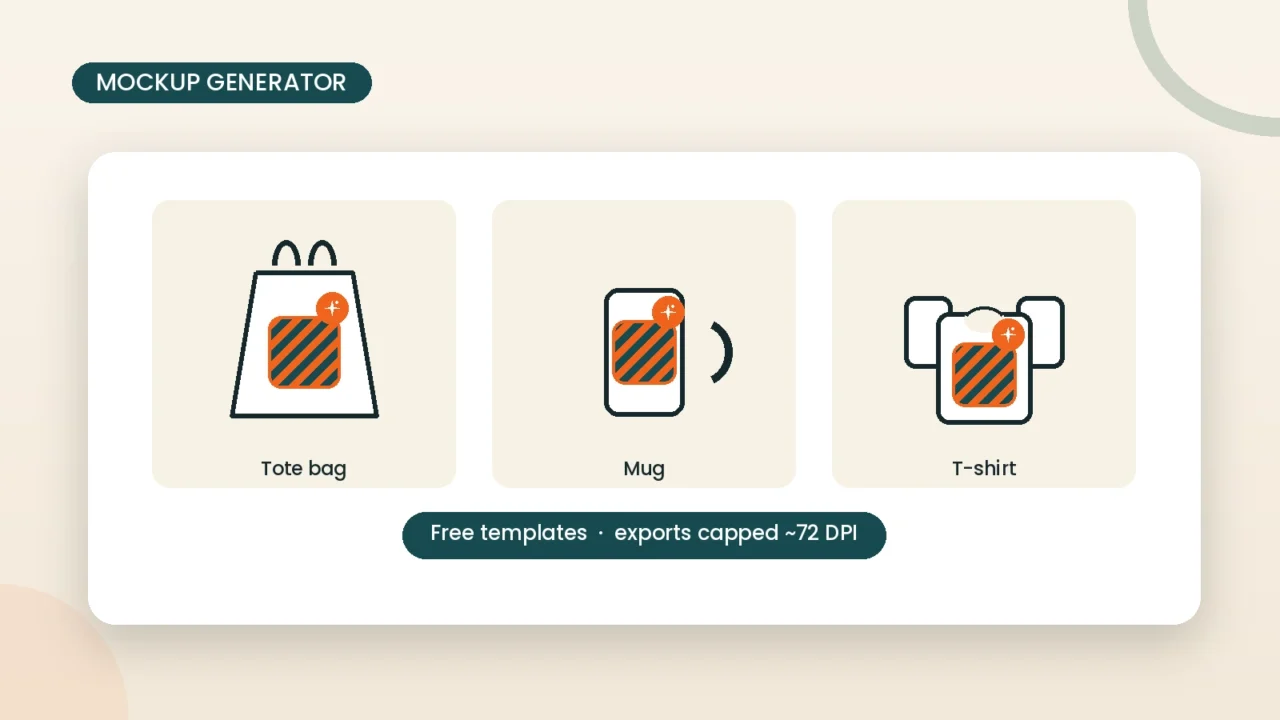
Mockups let buyers picture your design on a real product before you’ve made one. A few free AI tools for Etsy sellers cover this without a photography budget.
Canva Magic Media
Canva’s Dream Lab, part of its Magic Studio suite, generates lifestyle scenes and background imagery from a text prompt, useful for rounding out a listing gallery beyond the plain product shot. The free plan’s credit limit means you’ll get a handful of usable generations a month before you need to upgrade or wait for the reset.
Mockey AI
Mockey AI is one of the more generous free mockup tools, with AI-generated scene templates you can drop your design into. Worth knowing before you rely on it for final listings: free exports are capped around 72 DPI, which looks fine as a thumbnail but goes soft the moment a buyer zooms in. Etsy recommends images at least 2000px on the shortest side, so treat the free tier as a prototyping step and export at higher resolution before the listing goes live.
A few things to keep in mind
- Canva’s design ecosystem is strong, but AI credits run out fast on the free plan
- Mockey AI’s free templates are generous, but low-res exports need an upgrade for final listings
- Both tools share templates across free users, so nearly identical mockups can show up across multiple shops in the same niche, worth customizing colors or angles so yours doesn’t blend in
For sellers building product photography and mockups into a full listing workflow, our guide to AI tools for Etsy product photography goes deeper into lighting, styling, and when it’s worth switching to real photos.
Best Free AI Tools for Etsy Customer Messages
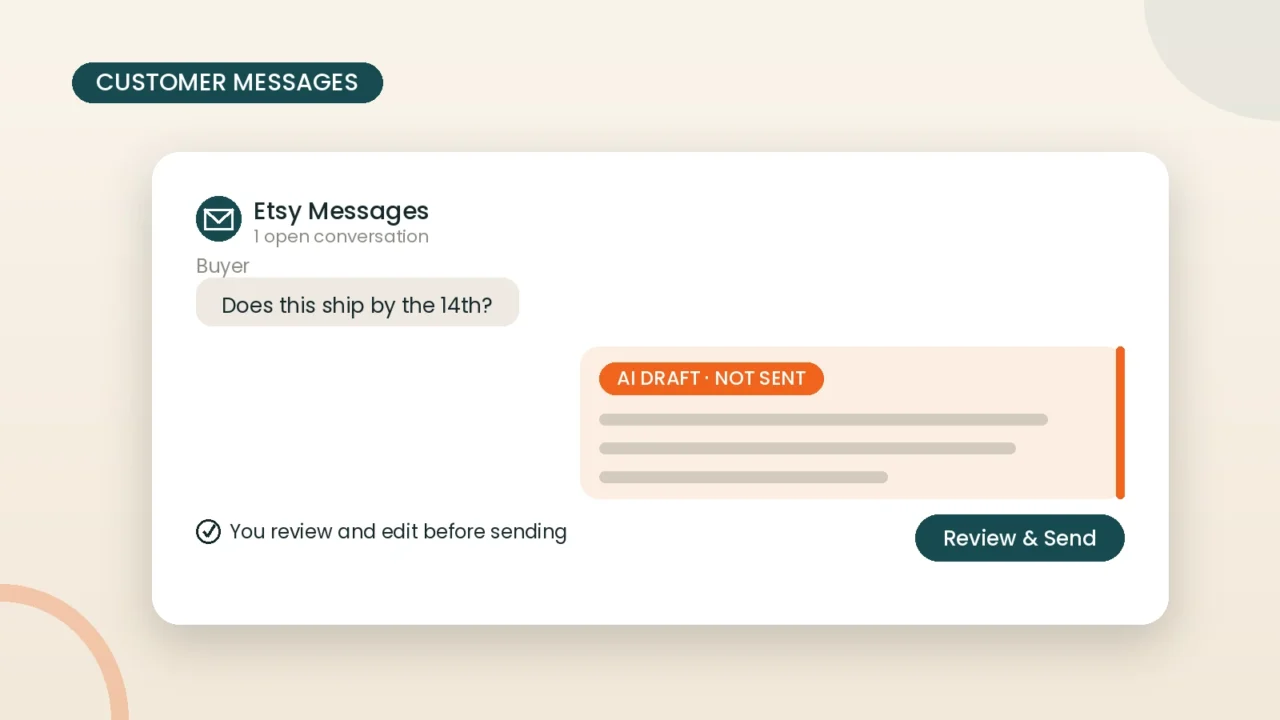
Worth knowing upfront: Etsy does not currently allow fully automated AI auto-send on buyer messages. Every tool in this category drafts a reply for you to review and send yourself, not a bot that messages buyers on your behalf.
Etsy Customer Service Helper (Chrome Extension)
This free Chrome extension reads a buyer’s question and suggests a reply you can edit before sending. It’s a lightweight option if you just want faster first drafts without adding a full helpdesk platform on top of your shop.
ReplyDesk Free Plan
ReplyDesk’s free tier covers one agent and two channel integrations, including Etsy, with AI-assisted reply drafts, translation, and ticket summaries. It’s a reasonable starting point if you sell across Etsy plus one other channel and want everything in a single inbox.
A caution worth repeating: AI drafts are a starting point, not a policy engine. Don’t let a tool promise a delivery date, invent a refund policy, or handle an upset buyer without your review first.
How to Choose the Right Free AI Tools for Your Shop
Not every seller needs every category above. A simple way to prioritize:
- Brand-new shop, under 20 listings: Start with eRank free for keywords and ChatGPT free for writing. That combination covers your biggest time sink first.
- Growing shop, 20 to 100 listings: Add EverBee free for product validation, plus PhotoRoom or remove.bg for consistent photos.
- Print-on-demand or digital download shop: Prioritize a mockup tool like Canva or Mockey AI, and be extra careful with AI disclosure, since POD and digital sellers saw the most enforcement under Etsy’s 2026 policy update.
- High message volume: Add a reply-drafting tool once you’re spending real hours a week on buyer messages, not before.
Free vs. Paid: When It’s Time to Upgrade
Free plans are built to get you started, not to run a mature shop indefinitely. Common signs it’s time to pay for at least one tool:
- You’re hitting daily search caps on eRank, Alura, or EverBee before noon
- Watermarks or low-resolution exports keep showing up in live listings
- You need competitor tracking, which most tools lock behind a paid tier
- You’re managing more than one Etsy shop from a single account
Most sellers land on exactly one paid tool, usually eRank or EverBee in the $7 to $20 a month range, once they cross roughly 50 to 100 active listings, while keeping the rest of their stack free. That’s normal. Free AI tools for Etsy sellers are built as an on-ramp, not a permanent ceiling, and features like Etsy Ads optimization or Pinterest scheduling are usually the first things to move to a paid tier.
Common Mistakes Sellers Make With Free AI Tools
These are the mistakes that come up most often once sellers add free AI tools for Etsy sellers to their workflow without a system for using them.
- Skipping the disclosure line. A one-sentence disclosure protects you from Etsy’s automated moderation flags.
- Publishing AI copy without editing it. Generic phrasing is the fastest way for a listing to blend into search results instead of standing out.
- Using free-tier mockups at final resolution. A 72 DPI export can look fine on your screen and pixelate the moment a buyer zooms in.
- Letting a tool auto-send buyer messages. Etsy doesn’t support this yet, and an unreviewed reply can promise something your shop can’t actually deliver.
- Treating one tool’s sales estimates as fact. Revenue and sales figures from any research tool are a directional signal, not a guarantee.
FAQs
Are free AI tools actually good enough to grow an Etsy shop?
For a new or small shop, yes. Free AI tools for Etsy sellers like eRank, ChatGPT, and EverBee cover keyword research, listing copy, and product validation well enough to build a solid foundation. You’ll likely outgrow the daily limits as your catalog grows, but by then you’ll know exactly which paid tier is worth paying for.
Do I have to disclose that I used AI tools on my Etsy listings?
Yes, if the AI meaningfully shaped your listing’s text, image, or design. Etsy’s January 2026 policy update requires a disclosure line and, in some cases, changing your listing attribution from “Made by a seller” to “Designed by a seller.”
What’s the best free AI tool for writing Etsy product descriptions?
ChatGPT’s free plan is the most flexible option for writing complete titles, descriptions, and tags. Pair it with a free keyword tool like eRank so your copy actually targets terms buyers search for on Etsy, rather than generic phrasing.
Are free AI background removers good enough for Etsy product photos?
For a quick check, yes. For final listing images, be careful: free exports from remove.bg are capped at low resolution, and PhotoRoom’s free exports carry a watermark. Budget for a small upgrade once you’re ready to publish final photos.
Can I use more than one free AI tool at the same time?
Yes, and most sellers do. A typical free stack looks like eRank for keywords, ChatGPT for writing, and PhotoRoom or remove.bg for photos. Each tool has a different daily or monthly cap, so stacking two or three free plans usually covers a small shop’s full workflow.
Will using AI tools hurt my Etsy SEO?
Not on its own. Etsy’s algorithm rewards complete, keyword-relevant listings regardless of how they were written or photographed. What can hurt your ranking is undisclosed AI use that gets flagged, or generic AI copy that skips the keywords buyers are actually searching for.
Final Thoughts
You don’t need a software budget to run a competitive Etsy shop in 2026. The tools covered here, eRank and Alura for keywords, ChatGPT for writing, PhotoRoom and remove.bg for photos, Canva and Mockey AI for mockups, and ReplyDesk for buyer messages, cover nearly every part of the listing workflow at zero cost.
Start with one tool per category, get comfortable with its limits, and add a paid plan only once you’ve genuinely outgrown the free tier. And whatever you use, build the AI disclosure habit in from day one. It’s a lot easier to add one sentence per listing now than to audit hundreds of listings later.
If you’re looking for a full package of AI tools for Etsy sellers, then you can follow our complete Best AI tools for Etsy sellers pillar guide.